
Sensor ProfileMotion & Orientation
Magnetic Heading & Field Sensing
Could report three-axis magnetic field strength, heading and change-from-baseline events for magnets, doors and orientation.
Overview
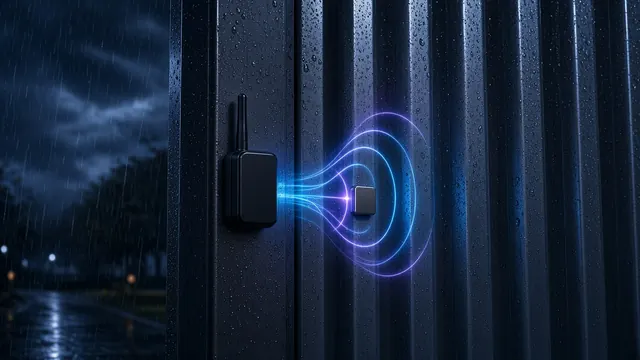
This profile is for sensing a magnet, a door or a change in orientation through the magnetic field. Gate Status already uses the same Click to read a gate’s heading.
Not built yet. Pace Wireless turns the GeoMagnetic 2 Click into a use case for your project and confirms what it provides on a call.
- Type
- Sensor Profile
- Sensing
- Motion & Orientation
- Sensor
- GeoMagnetic 2 Click
- History
- 30-Day History
- Alerts
- 1 possible
How It Works
How the GeoMagnetic 2 Click works, and what firmware built on it could do.
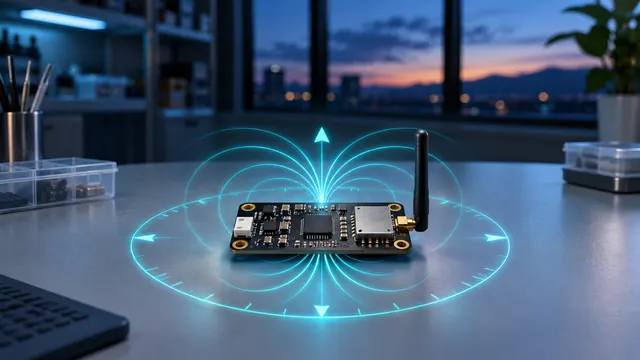
- The Bosch BMM350 measures the magnetic field on three axes. Mounted level, those axes give a compass heading.
- A magnet on a door or lid changes the field at the sensor as it moves closer or farther away.
- Firmware for this profile could capture a baseline and alert when the field moves away from it or returns.
What It Could Provide
Not built yet. These are the things it could provide; Pace Wireless confirms them with you before building it.
Live Dashboard
- Field strength and X, Y and Z field
- Heading when mounted level
- Change from baseline
History
30 days of charts and history with CSV export
Alerts
- Magnetic field changed / returned to baseline
Controls
- Capture baseline
- Calibrate heading in the installed position
Hardware You Need
The Click board plugs into the evaluation kit’s mikroBUS socket at 3.3 V.
The Sensor
- GeoMagnetic 2 Click MIKROE-6925 · Bosch BMM350 Mount rigidly, away from steel, motors and magnets. Buy at MikroE GeoMagnetic 2 Click (opens in a new tab)
Every Use Case Starts With
- MM8108-EKH05 Evaluation Kit Morse Micro MM8108 · STM32U585 host Every use case runs on this kit; Click boards plug into its mikroBUS socket at 3.3 V. Available at Mouser MM8108-EKH05 Evaluation Kit (opens in a new tab)
- Wi-Fi HaLow Access Point For example, the Morse Micro HaLowLink 2 Any compatible Wi-Fi HaLow network or access point connected to the internet. Available at Mouser Wi-Fi HaLow Access Point (opens in a new tab)
- Computer With HaLow Flasher Windows, macOS or Linux Installs the use case firmware on the evaluation kit over USB after you sign in.
How to Get It
- Choose Turn This Into a Use CaseTell Pace Wireless about your project and how you would use this sensor.
- Talk it through on a callPace Wireless confirms what it will provide and builds the firmware and dashboard.
- Install it with HaLow FlasherOnce it is enabled on your account, HaLow Flasher installs it over USB.
Limits
Heading is not a precision compass and is distorted by nearby steel, motors and magnets.
Applications
- Home
- Heading for a garden robot, or an open or closed signature for a cabinet fitted with a magnet.
- Commercial
- Heading input for indoor service robots and alerts when a kiosk or display is reoriented.
- Industrial
- Magnetic landmarks for guided carts and field-change logging at fixed inspection points.
Related Use Cases
-
 Sensor Profile
-
 Sensor Profile
-
 Ready to Flash
Turn This Sensor Into a Use Case
Tell Pace Wireless what you want this sensor to do. After a call about your project, Pace Wireless builds it.