
Ready to FlashPresence & Activity
Presence & Range Radar
Camera-free presence detection with the filtered distance to the nearest target, from 0.5 to 7 m.
Request This Use Case
On Your Account
Overview
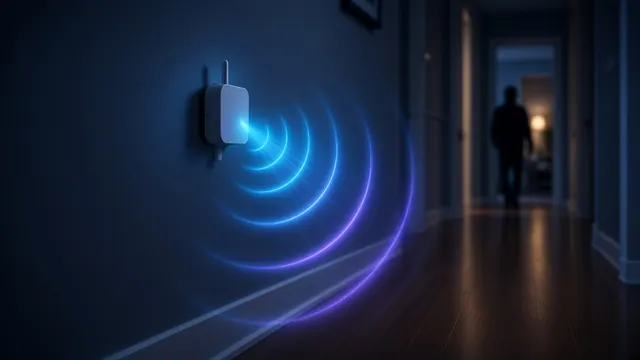
Presence & Range Radar is for knowing whether someone is in front of the sensor and how far away they are, without a camera.
- Type
- Ready to Flash
- Application Area
- Presence & Activity
- Adds
- Radar Click
- History
- 30-Day History
- Alerts
- 3 built in
How It Works
- The 60 GHz radar module on the Radar Click reports whether a target is present and the distance to the nearest one over a serial link.
- The firmware checks each frame and takes the median of the last five distances. It reports approaching or receding only after more than 40 cm of movement.
- Presence turns on at once and clears after three seconds with no target.
- You set the detection range (50 to 700 cm) and report interval on the dashboard, and the board saves them. The server sends Presence detected and keeps 30 days of range trends and presence changes.
What You See on the Dashboard
Live Dashboard
- Presence Status: present or clear
- Filtered Distance with sensor-reported accuracy
- Estimated Direction: approaching or receding
- Advanced Diagnostics
History
30 days of range trends and presence activity, with every retained reading in a table and CSV export
Alerts
- Presence detected
- Presence cleared (opt-in)
- Radar sensor fault / restored (restored opt-in)
Controls
- Set minimum and maximum detection range (50–700 cm)
- Set report interval (1, 2, 5 or 10 seconds)
- Restore Defaults
Hardware You Need
Click boards plug into the evaluation kit’s mikroBUS socket at 3.3 V. The firmware is built for the part numbers listed here.
This Use Case Adds
- Radar Click MIKROE-5183 · Jorjin MM5D91-00, 60 GHz Buy at MikroE Radar Click (opens in a new tab)
Every Use Case Starts With
- MM8108-EKH05 Evaluation Kit Morse Micro MM8108 · STM32U585 host Every use case runs on this kit; Click boards plug into its mikroBUS socket at 3.3 V. Available at Mouser MM8108-EKH05 Evaluation Kit (opens in a new tab)
- Wi-Fi HaLow Access Point For example, the Morse Micro HaLowLink 2 Any compatible Wi-Fi HaLow network or access point connected to the internet. Available at Mouser Wi-Fi HaLow Access Point (opens in a new tab)
- Computer With HaLow Flasher Windows, macOS or Linux Installs the use case firmware on the evaluation kit over USB after you sign in.
How to Get It
- Choose Request This Use CaseTell Pace Wireless about your project. Signed in, your account is attached for you.
- Talk it through on a callPace Wireless contacts you to set up a call, then enables the use case on your account.
- Install it with HaLow FlasherHaLow Flasher installs it on the kit over USB, and its dashboard opens with your device.
Limits
It reports presence and the distance to the nearest return, not what the target is, how many there are or their angle.
Applications
- Home
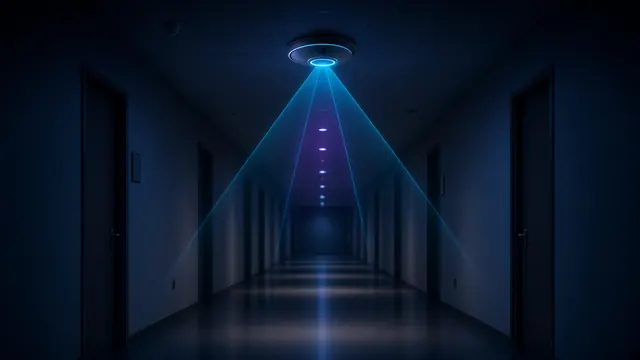
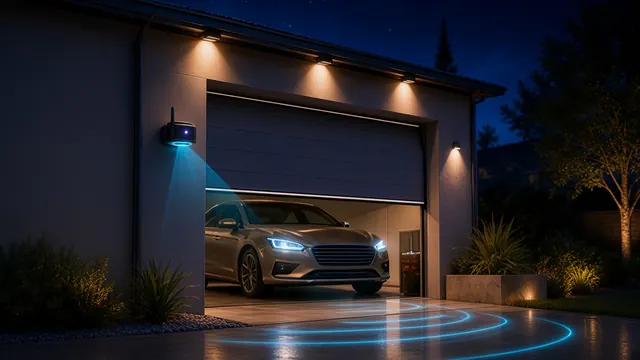
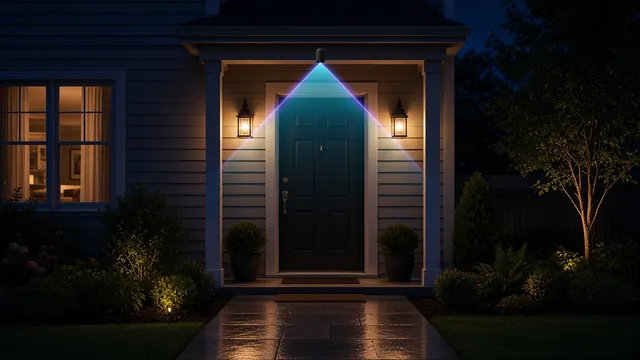
- Camera-free presence and distance at a porch, garage or hallway within 7 m.
- Commercial
- Presence at entrances, service counters and loading-bay doors without camera images.
- Industrial
- Presence near indoor equipment, doors and work areas, within a 0.5–7 m detection field.
Related Use Cases
-
 Ready to Flash
-
 Ready to Flash
-
 Ready to Flash
Bring Presence & Range Radar to Your Project
Tell Pace Wireless about your project. After a call, Pace Wireless enables it on your account.